LinkedIn®️ is more than just a networking site; it’s a powerhouse for anyone looking to create content to raise your profile and build thought. With articles and newsletters, LinkedIn gives you plenty of ways to get your voice out there, share what you know, and pick up a few things along the way.
And, as a bonus, LinkedIn articles are indexed by Google.
Articles – The Foundation
Let’s begin by diving into articles; LinkedIn articles are a great way to share your expertise and build your reputation as a thought leader.
If you’re a service professional, like a coach or consultant, you might want to use articles to answer common questions you get asked by clients or potential clients.
Besides being indexed by Google, LinkedIn also supports embedding images and videos in articles. So you can provide step-by-step instructions for those who learn by reading and share a video demonstration for people who learn by watching.
Article Ideas
🔹Discussing industry trends, where your industry is heading, where it will be in 5 years
🔹Business lessons you’ve learned or what you would change if you were starting over
🔹Sales strategies that work and don’t work, and why
Content
🔹Aim for a length of around 1000 words, with short paragraphs and clear headlines.
🔹Add media such as images, graphics, or videos to aid learning or add context
🔹Create a compelling cover image to draw your audience in
Promote your articles by sharing it in a post where you can highlight “what’s inside” or share a few takeaways.
BONUS: People can view articles on your profile without being logged in to LinkedIn.
Newsletters (Expand Reach)
Recently I had a conversation with someone who started writing articles to build his reputation as a thought leader. I suggested creating a newsletter to increase his reach.
If you’re not already aware, all of your LinkedIn connections and followers will be notified when you publish the first edition of your newsletter.
This is why it’s essential to make sure your first article is so packed with great information that they will immediately subscribe.
After the first edition, your newsletter subscribers will be notified via email whenever you publish a new article.
LinkedIn will prompt you to share each article in a post as well.
More recently, LinkedIn added another reason to publish a newsletter: whenever someone Follows you, LinkedIn asks them if they want to subscribe to your newsletter
Setting Up Your Newsletter
It only takes a few minutes to create your newsletter. You will need to choose a name, provide a very brief description, and upload a small newsletter image (think headshot or logo).
Next, select how often you will publish
🔹Daily
🔹Weekly
🔹Every other week
🔹Monthly
Don’t panic, any or all of these can be changed.
While LinkedIn warns that changing the name of your newsletter can confuse subscribers, I’ve changed my newsletter name more than once.
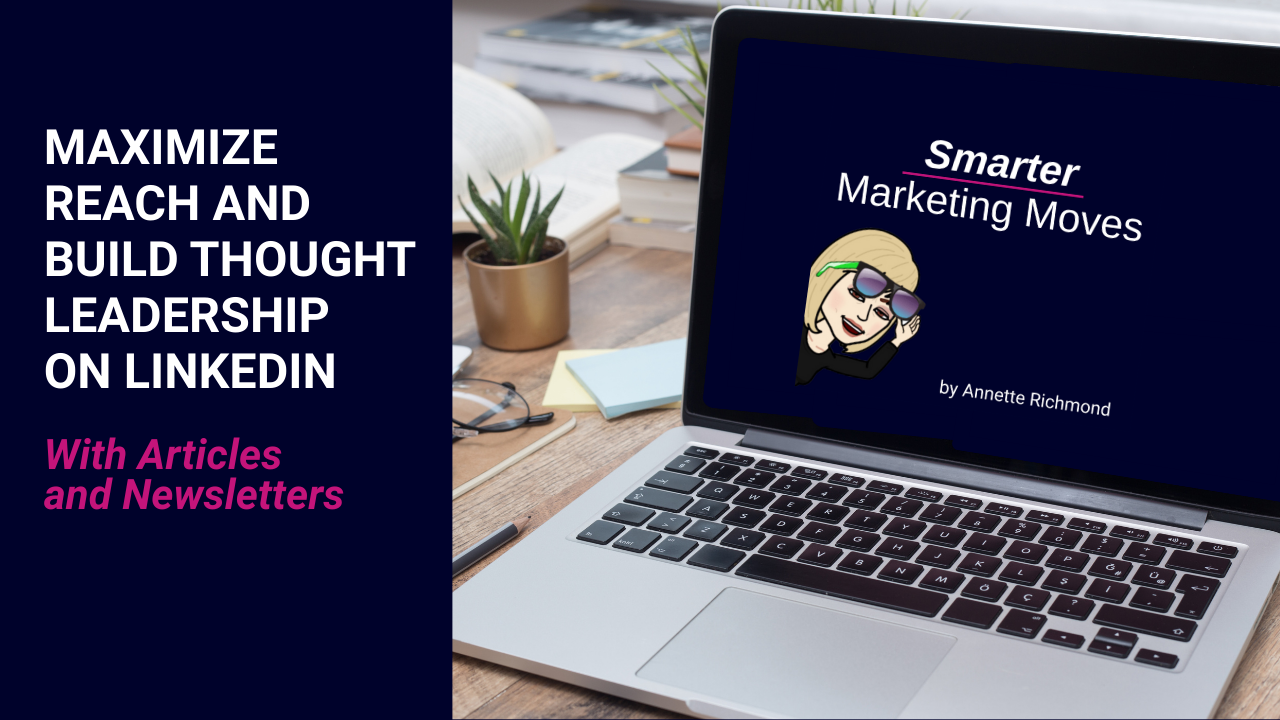
A few years ago, my newsletter evolved from Smarter Business moves (which was the name of my from LinkedIn Live show and podcast at the time) to the current Smarter Marketing Moves.
If you decide to create a newsletter, publishing regularly is important.
So, choose a publishing schedule you can maintain.
After being on a monthly schedule, I recently shifted my newsletter to 2X a month. However, most of the newsletters I subscribe to are published monthly.
While I’ve been pretty consistent since I launched my newsletter, like many of my colleagues I’ve missed a month here and there.
Don’t beat yourself up if life gets in the way.
Now It’s Your Turn
LinkedIn articles, newsletters, and collaborative articles are opportunities to share our knowledge and connect with others. Each option has pros and cons.
Writing articles can be time-consuming, and creating a newsletter requires a bit of commitment to publish at least once a month.
For me, newsletters are the big winner because
1) articles are indexed by Google
2) they can help you maintain focus on an area of expertise
3) new followers are automatically invited to subscribe.
But, as with any other type of content, you need to decide what will work best for you.