Tools You Actually Need to Start Creating Video
One of the fastest ways people delay video is by convincing themselves they need better equipment first. They tell themselves they’ll start when they have
→ the right lighting
→ an external mic
→ the perfect tripod
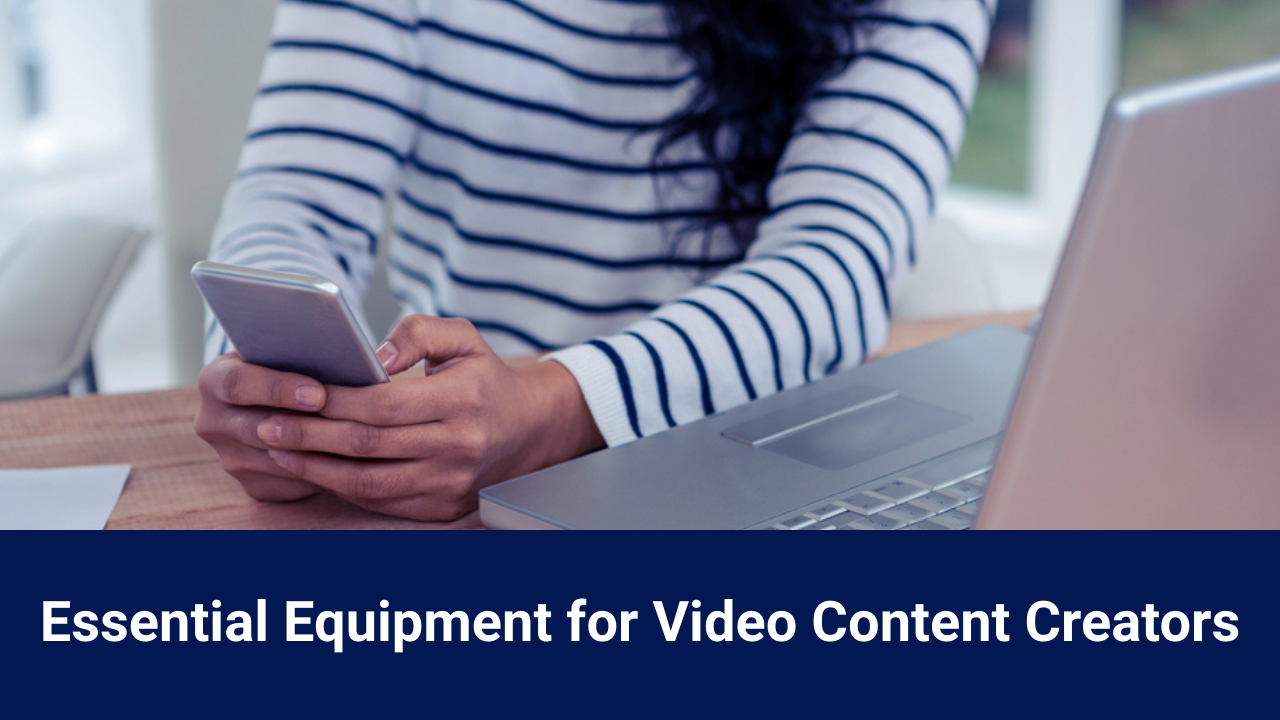
The truth is, you already have everything you need to get started. Because all you need to get started is your smartphone. Most phones actually have better cameras than high-quality photo equipment.
Start With What You Have
If you’re waiting until you have the perfect setup, you’re waiting too long. As I tell my clients, the only thing you need is your smartphone and a free editing app.
Next Think Audio
If you can invest in one piece of equipment, get a wireless lavalier. Viewers will forgive imperfect video far more easily than they’ll tolerate poor sound. That doesn’t mean you need expensive equipment — just something that improves clarity and reduces echo.
For most people a simple wireless lavalier is the most important upgrade. I don’t recommend a corded lav as it ties you to the phone AND can be so tricky to attach you never use it.
Lighting Doesn’t Need to be Complicate
You don’t need a fancy studio to record video either. The best light is natural light you get by standing near a sunny window.
If you’re recording in the evening or live in a shady area, like I do, invest in an inexpensive LED light set. The goal is to make sure people can see you, not to do studio production.
Buy Inexpensive, Upgrade As Needed
Video recording doesn’t need to be expensive. You can find solid equipment at all price points. My strategy is to buy inexpensive and upgrade as needed. For me that’s generally during a sale.
Keep Your Set Up Simple
The best setup is one you can recreate easily. A light on a tripod with a phone mount and wireless lav can be a perfect, portable studio.
If your recording process feels simple and familiar, you’re far more likely to keep using it. Consistency beats novelty every time.